// App
Employees call because they cannot see anything on the roadWhat if it was simply on their phone?
One app for iPhone and Android, in the colours and style of your brand. Connected to your existing systems. Customers and employees see the same on the road as at the office.
// What it is
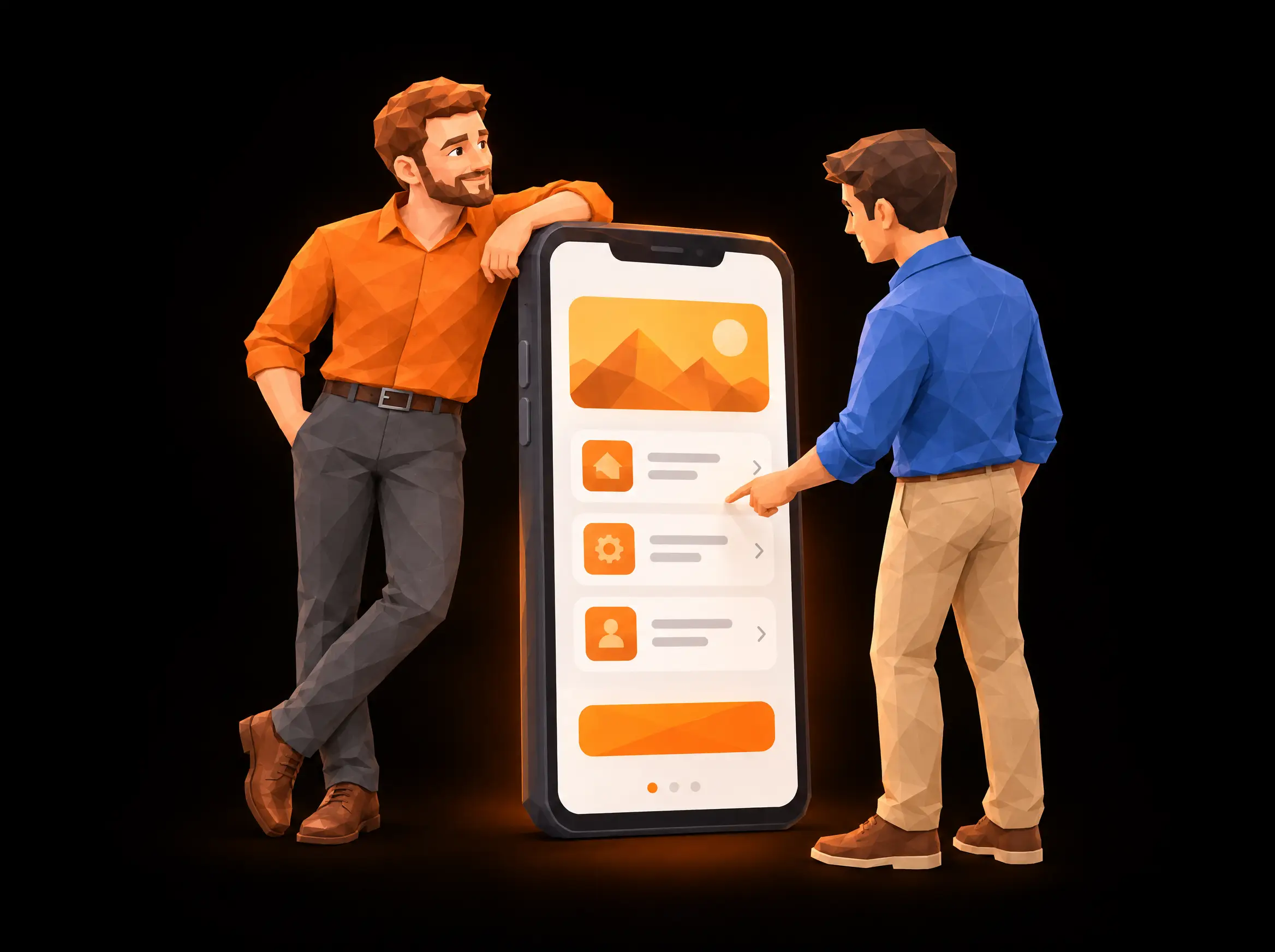
An app in your own house style
We build one app that works on iPhone and Android. With your colours, font, logo and tone. Customers recognise the app as yours, not as a standard template.
The app connects through a secure connection to the systems you already use. What changes at the office, you see straight away on the road.
// What you can do with it
What customers and employees do in the app
Planning on the road
Employees see where they need to be and what was agreed. Without calling.
Work orders and signature
Sign off work, add photos and have the customer sign. Straight into your system.
Notifications
A new job, a change or a message. The app gives a heads-up.
Customers follow their appointment
When will the technician arrive? Which documents are ready? Customers see it themselves.
Working offline
No signal in the basement? The app saves it and sends it on once there is a connection again. If you need that.
Login and rights
Who can see and do what, we record in advance. A senior developer checks it before the app goes live.
// How it works
From prototype to the App Store
You point out what you want to build
We spend a day with you. You show who uses the app and which actions it contains. By the end of the day a clickable first version is ready.
Record and quote
Together we decide which screens and steps go into the first version. Then you get a tailored quote with a planning in weeks.
Build and go live
We build the app. A senior developer checks everything before it goes live. We publish the app, or we use your accounts if you already have them.
// Preparation
What should you consider before having an app built?
We discuss these points in the first conversation. You do not need to have them worked out in advance.
Scope
Which actions are in the first version and what comes later?
Budget
What may the first version cost and what is there for the follow-up?
Essential or nice to have
What has to be in on day one and what is nice to add later?
Audience
Customers, employees or both? And which phones do they use?
Login and rights
How do users sign in and who can see and do what?
Data
Which system does the data come from?
App Store and Play Store
You do not need your own accounts. We publish the app, or we use your accounts if you already have them.
// Investment
What does an app cost?
Every app has to do something different. That is why we start with the prototype. After that we both know exactly what will be built and you get a tailored quote with a planning in weeks.
- First a prototype on site
- Then a tailored quote for the build
- One app for iPhone and Android
// FAQ
Frequently asked questions
Every app has to do something different. After the prototype we understand your wishes better and make a tailored quote. It also contains a planning in weeks.
Fancy a coffee?
Tell us what you want to achieve. In half an hour we'll know together whether and how we can help.